how it looks
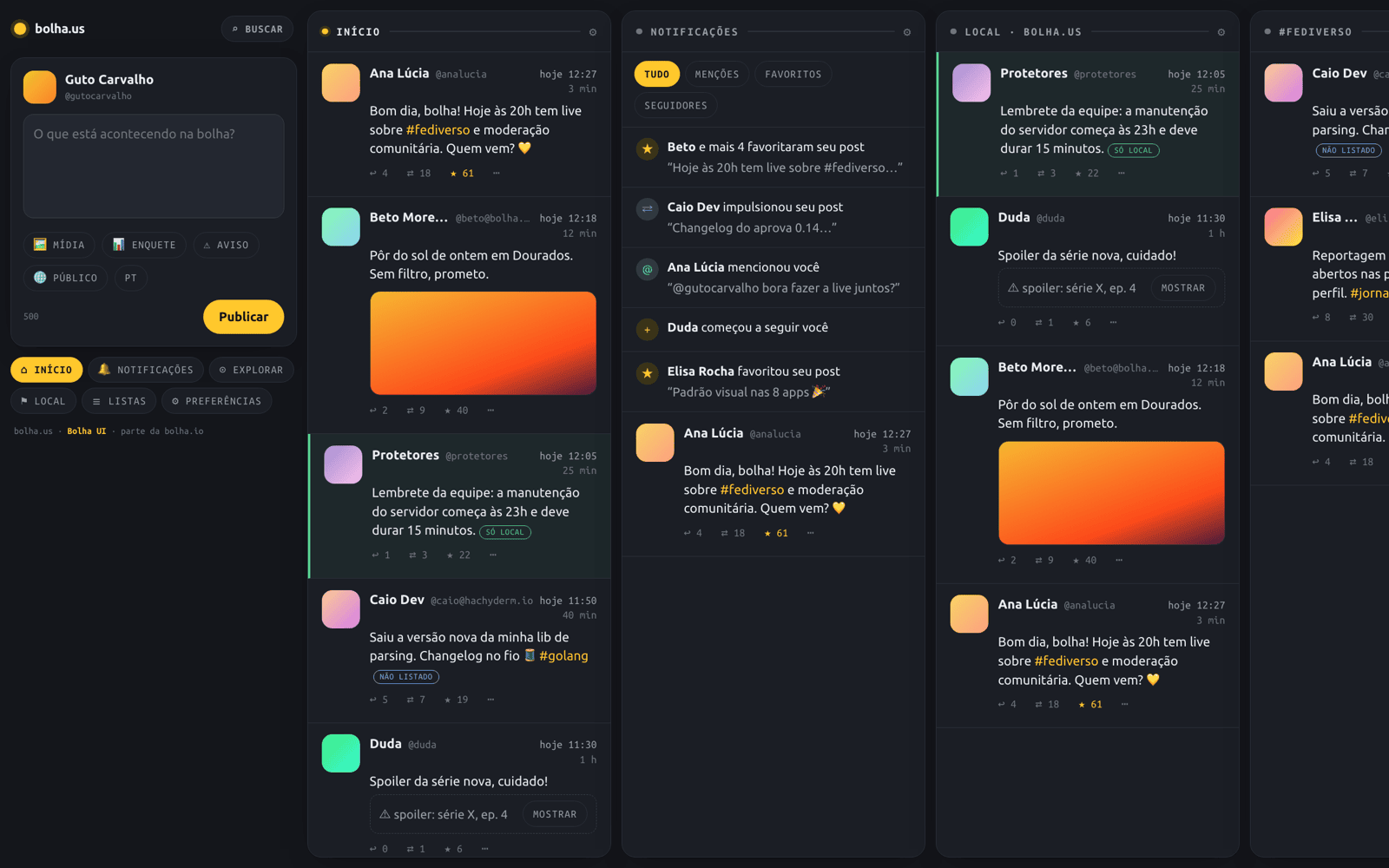
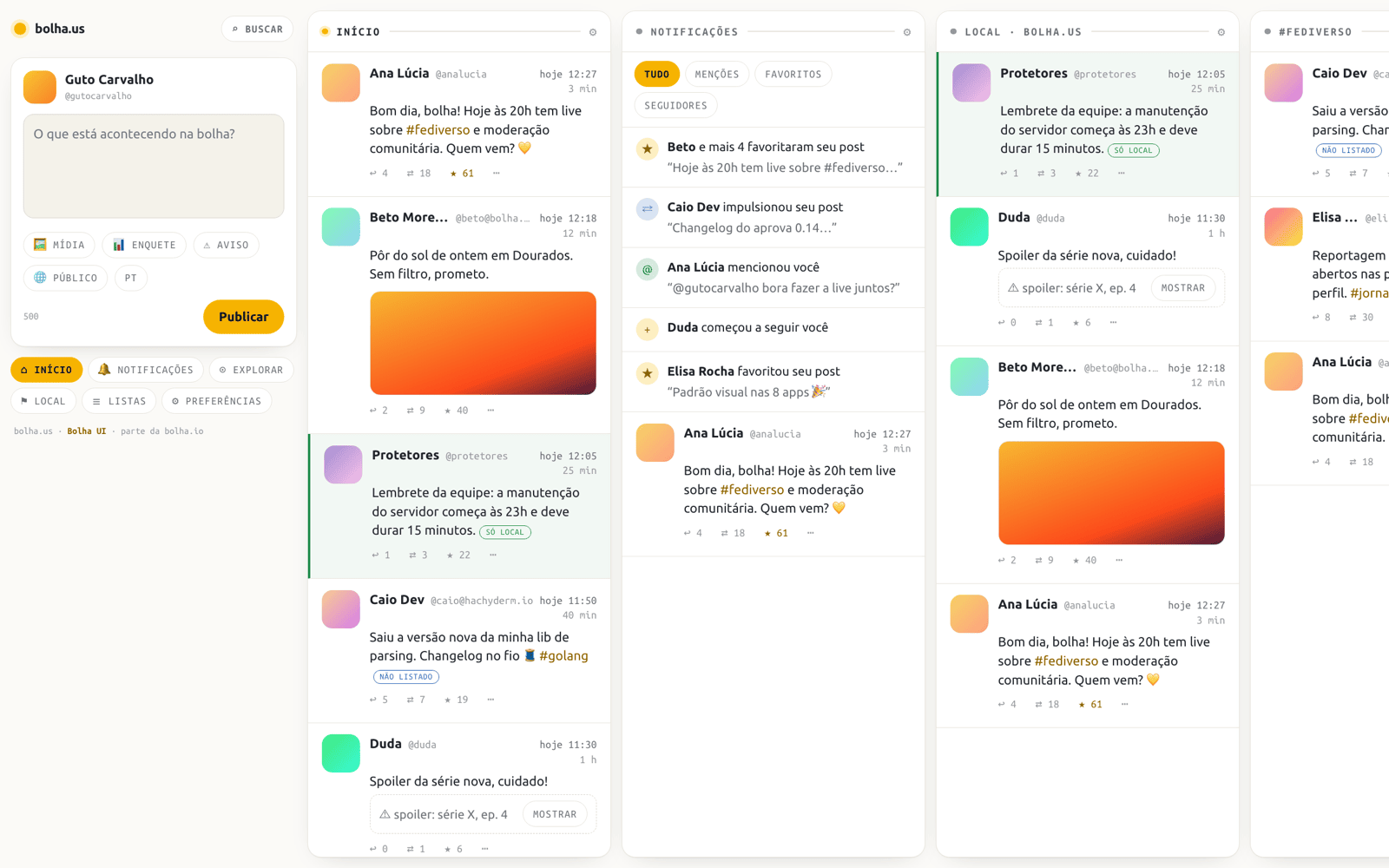
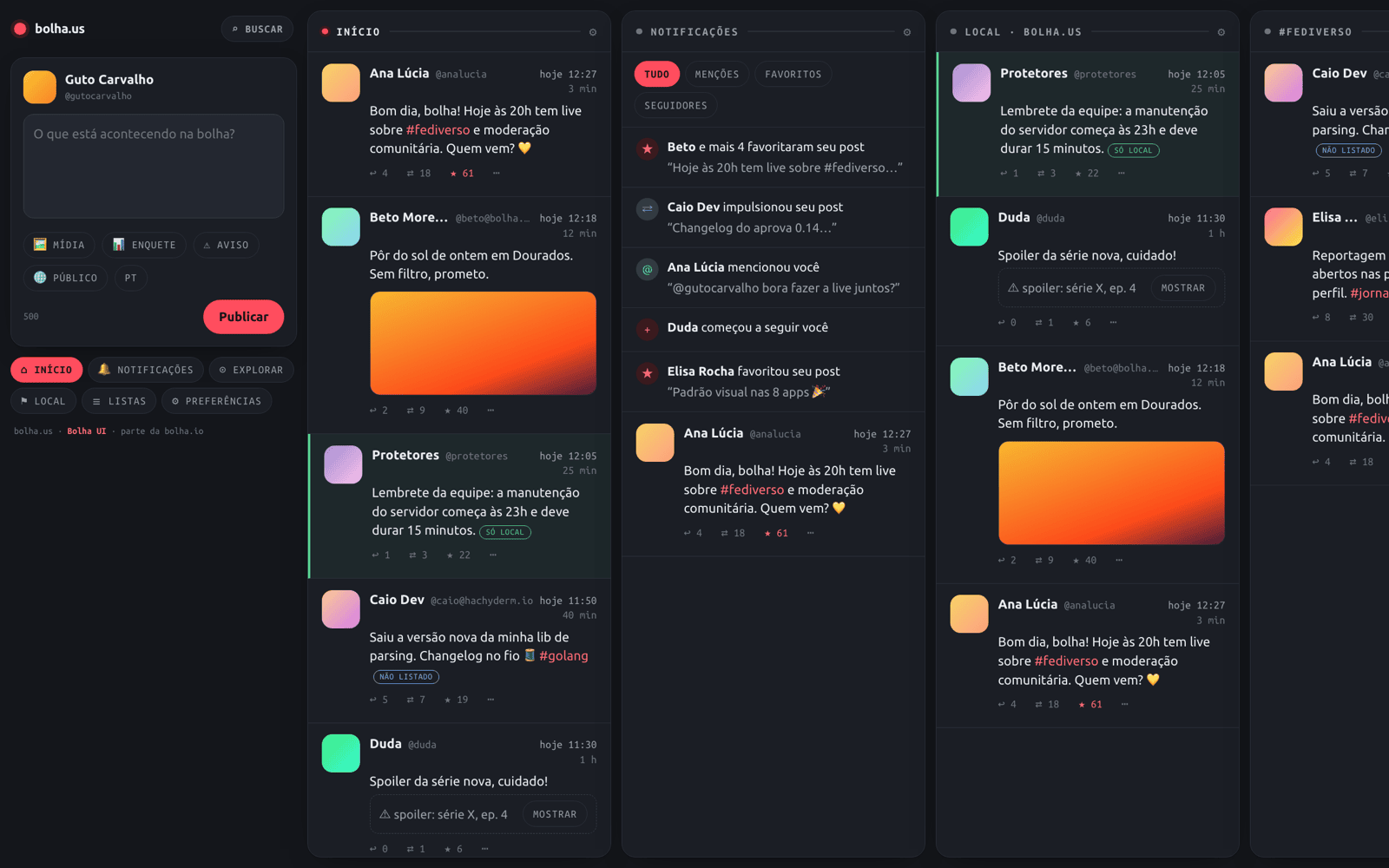
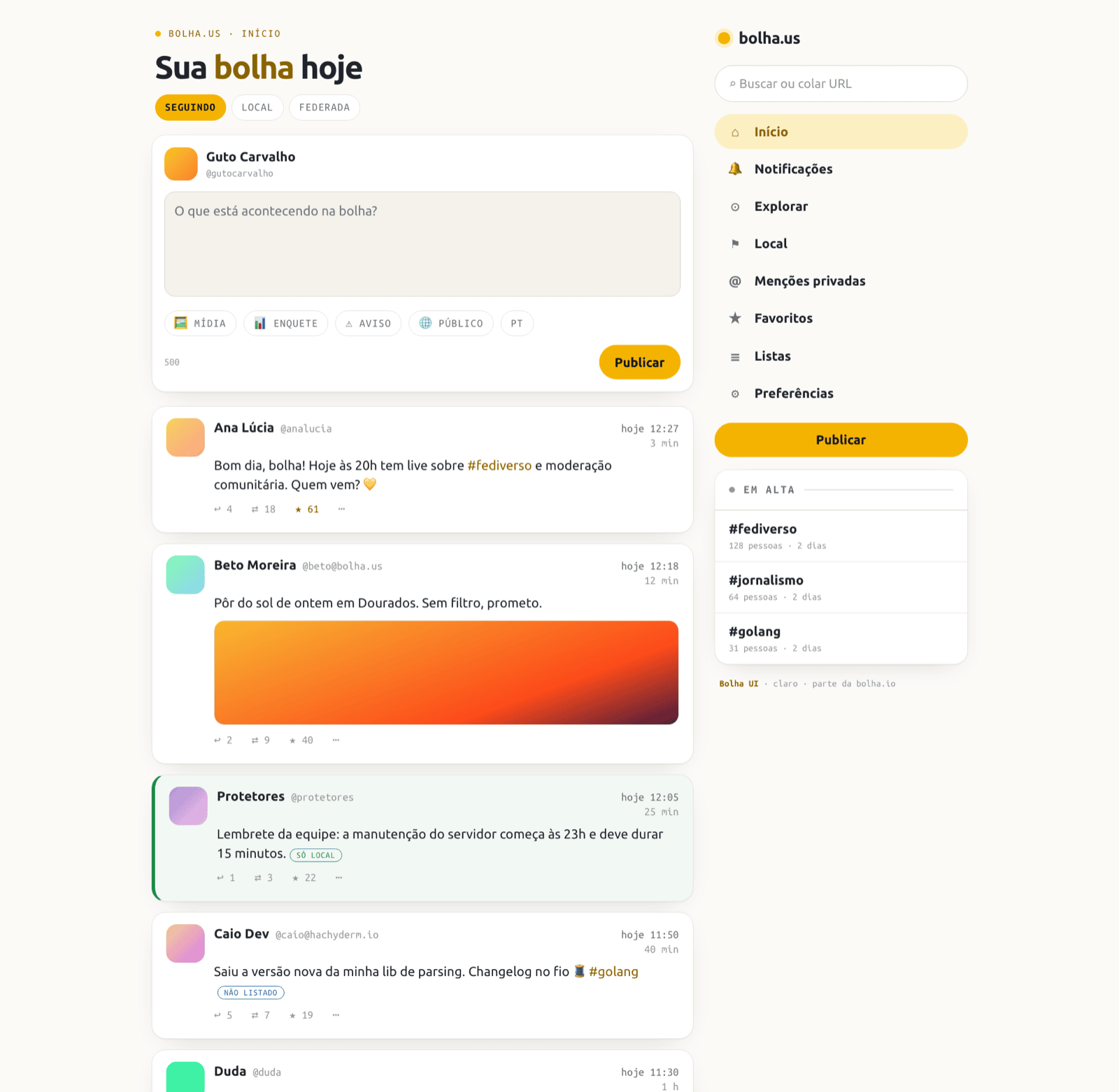
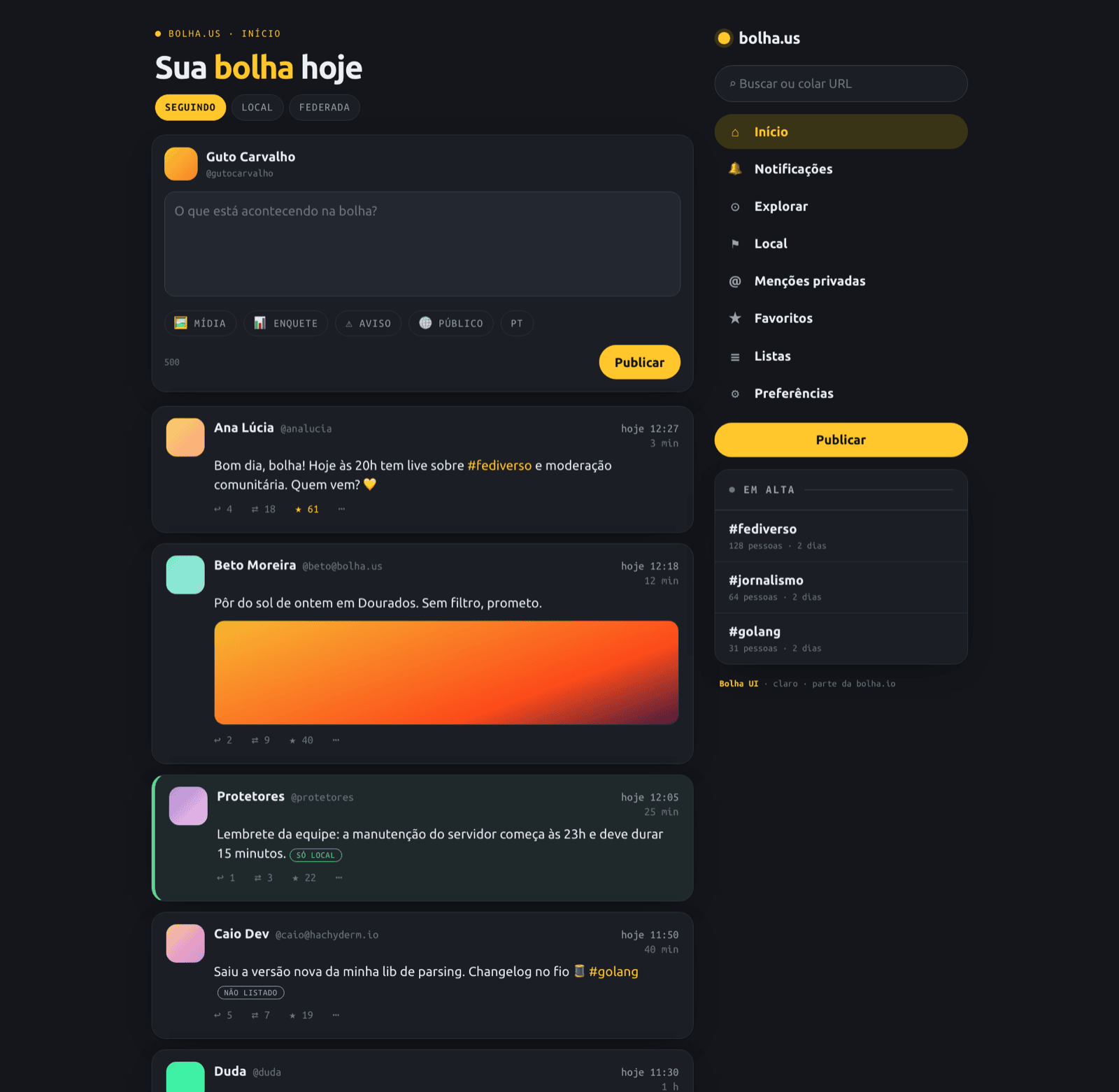
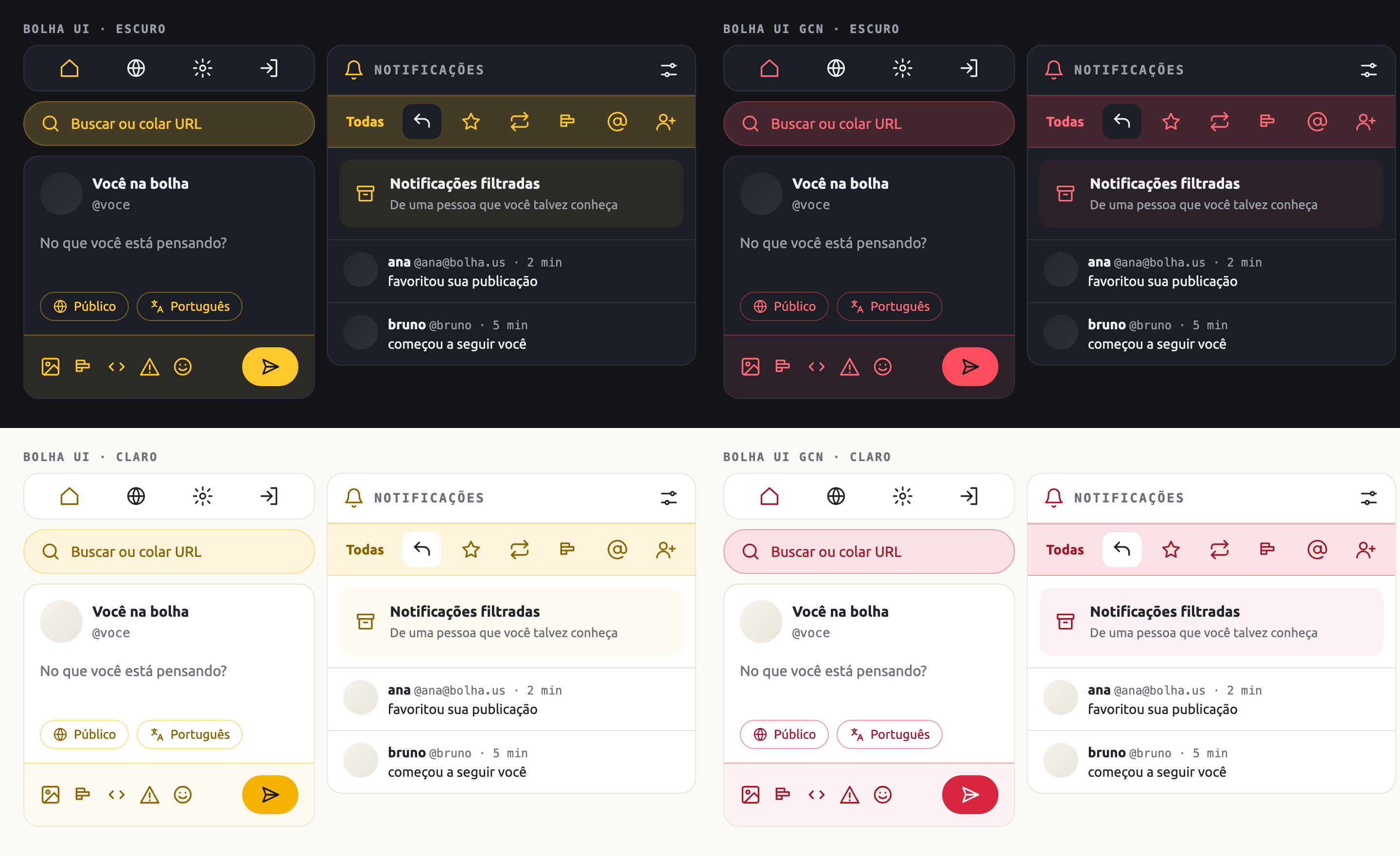
The screenshots are mockups with made-up people and posts; the real theme runs on bolha.us and jornalismo.social.
what you get
Bolha UI (yellow) and Bolha UI GCN (red), next to Mastodon's own.
Follows the colour scheme and contrast each person picks in Preferences › Appearance.
Ubuntu and Ubuntu Mono are bundled, so everyone sees the same type.
About 110 lines on top of the default theme, almost all design tokens. Mastodon upgrades rarely break it.
how to install
Three ways, from the most complete to the quickest. Tested on Mastodon 4.7.
For from-source installs. install.sh copies the theme, the fonts and the names, and adds two lines to config/themes.yml. Use --dry-run to look first and --uninstall to remove it.
# as the mastodon user
cd ~
curl -fsSL "https://gitlab.gutocarvalho.net/open/bolha/mastodon-bolha-ui/-/jobs/artifacts/v1.2.0/raw/mastodon-bolha-ui.tar.gz?job=release" | tar -xz
./mastodon-bolha-ui-1.2.0-*/install.sh ~/live
cd ~/live && RAILS_ENV=production bundle exec rails assets:precompile

# as root
systemctl restart mastodon-web mastodon-sidekiq mastodon-streaming
Then each person picks the theme in Preferences › Appearance › Theme. To make it the default for newcomers: Administration › Server settings › Appearance.
The official images have their assets built in, so the theme needs its own image. Use it for the web and sidekiq services; streaming doesn't change.
git clone https://github.com/mastodon/mastodon.git && cd mastodon
git checkout v4.7.5                      # the version you run
curl -fsSL "https://gitlab.gutocarvalho.net/open/bolha/mastodon-bolha-ui/-/jobs/artifacts/v1.2.0/raw/mastodon-bolha-ui.tar.gz?job=release" | tar -xz -C ..
../mastodon-bolha-ui-1.2.0-*/install.sh .
docker build -t my-registry/mastodon:v4.7.5-bolha-ui .Paste the ready CSS into Administration › Server settings › Appearance › Custom CSS: bolha-ui.css (yellow) or bolha-ui-gcn.css (red). The same file works as a personal style with Stylus on any Mastodon 4.7 server. This way has no bundled fonts.
versions
Versions look like X.Y.Z-BUILD, and the theme shows its own wherever there is the class bolha-ui-version. What changed in each one is in the CHANGELOG.
| Version | Date | |
|---|---|---|
| 1.2.0 | 2026-11-12 | current |
| 1.1.0 | 2026-11-12 | |
| 1.0.2 | 2026-11-09 | |
| 1.0.1 | 2026-11-09 | |
| 1.0.0 | 2026-11-09 |
where it runs
Made for bolha.us and the other bolha.io communities. The bolha Mastodon, with the theme and other features, is at custom.bolha.us.
Open source, AGPL-3.0, like Mastodon. Inspired by Tangerine UI.